Master Your Market View- Smart Ways to Set Up Trading Screens
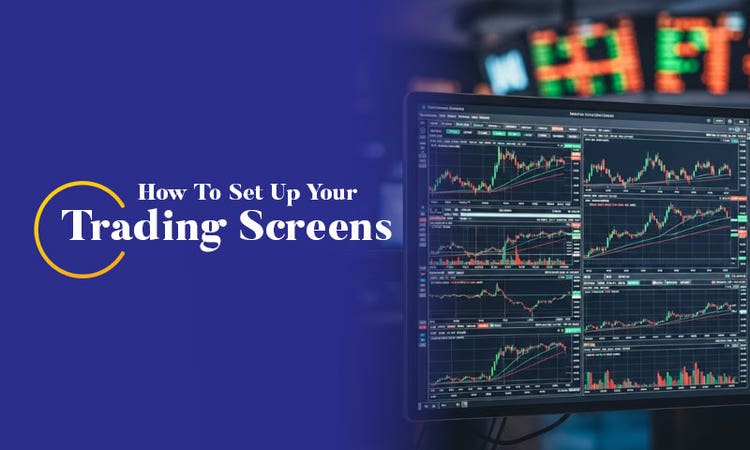
Introduction
These days, financial markets feel like a whirlwind. There is news and data coming at you from all directions. Prices shift; news breaks and trends develop – all at a rapid pace. It is very easy for you to feel overwhelmed by the sheer volume of data.
The key here is to block the noise and focus on what truly matters for your trading goals. This involves paying attention to two things- the overall market trends and the specific stocks/assets that fit your approach.
This is where setting up a well-organised screen layout becomes important. When you have the right 4 screen trading setup, you will be able to keep track of essential information. You can react quickly to changes and make confident decisions. All this will help you get the most out of every trade.
Start investing with a quick Demat account setup
If you are new to the concept, here is a simple crash course about the 4-monitor trading setup:
How Do Most People Trade?
You may have a real job you have to cater to or responsibilities you have to fulfil away from home, like most traders do. This may force you to access the market through your mobile phones. For that, you use your smartphone to gather important information and manage open positions.
But there are some traders who can sit at a proprietary shop or home to trade full time. They need detailed information that they can use to assume greater risks. The additional data that they get at home is similar to the remote participant's screens. But it is in far greater detail.
Why Screen Setup Matters?
Your trading platform is your command centre. The difference between profit and loss often hinges on how quickly you can interpret information and make a decision. A cluttered screen that is not organised can lead to costly mistakes or missed opportunities. On the other hand, an efficient layout can turn the chaos of the market into actionable insights.
How Many Multi Monitor Setup for Trading in India Do at Home Traders Need?
The answer to this question has changed over the years. The reason being monitor prices have dropped greatly and graphic cards now support multiple monitor setups routinely. Now, it makes sense to add as many monitors as you can fit given the low cost. But make sure you don’t exceed your budget or overwhelm yourself with too many screens.
The average full-time trader uses 3 or 4 screen setup for trading optimally. These screens are enough to display key charts, watchlists and order entry panels without constant window switching.
Sample setup-
- Screen 1- Major indexes/futures and volatility
- Screen 2- Portfolio and open positions
- Screen 3- Watchlists and scanners
- Screen 4- News feed/specialised charts
The Three Pillars of Effective Trading Screens
A robust trading screen setup should serve three core functions-
1. Market observation- Monitoring the overall market environment and key indices.
2. Position management- Tracking your open trades and portfolio performance.
3. Opportunity incubation- Scanning for new setups and watching potential traders.
Each inch of screen wasted with unnecessary data or charts contributes to an incomplete view that can prove to be costly in an active trading style. Almost all traders may have made the error of loading their screens with numerous charts and not enough tickers.
How to Set Up Your Trading Screens?
It would be wise of you to reserve chart space for must-watch tickers. You can maintain a secondary chart group configured with varying time frames that connect to a single symbol from your monitoring list. If you have limited screen space, you can incorporate a time frame toolbar to reduce charts. You can flip through different settings on each chart. Your chosen time frame for this evaluation should align with your trading approach.
Here are some settings that you can follow that offer a good starting point-
- Scalpers- 5 minutes, fifteen minutes and hourly charts
- Market timers- daily, hourly and weekly charts
- Swing traders- fifteen minutes, daily and hourly charts
If feasible, maintain dual S&P 500 futures displays; one covering the US only session and one 24-hour 60-minute futures chart. It should track overnight action in Asia and Europe. This secondary display proves invaluable for catching up when you boot up your trading station each morning.
What about a live news ticker? This comes down to individual preferences. This is because certain approaches depend on real-time news flow for position execution while most function effectively with independent third-party services or a well-filtered X platform feed.
Pro tip- The wise move would be to keep the news off your data and charting programs. This will save up important space for security tickers and charts.
How to maintain an efficient trading screen?
1. Every chart/widget should serve a purpose. You need to remove everything that does not aid your decision making.
2. Keep similar tools together.
3. Let technology watch key levels so you don’t have to.
4. Your ideal setup will change with time. It is wise to review your layout regularly and tweak it based on what helps you the most.
Conclusion
A well-organised trading screen is not just for your convenience. It can act as a competitive advantage. With a 4-screen layout, you can track market trends, monitor open positions, scan for new opportunities, and stay updated with real-time news—all without the chaos. When you structure your screen, you can turn raw data into clear and actionable intelligence.
Whether you're a scalper or swing trader, organising your digital workspace boosts clarity, confidence, and trading efficiency. The key here is to keep your setup focused/flexible and tailored to your needs. You can look for multi monitor setup for trading in India price online.